1
Start the Project
Everything begins in one place.
Create a FrameVault project and start working. Your project files, media, notes, scripts, and backups all have a home from the beginning.
 FrameVault
for macOS
Project organization and backup for Adobe Premiere
FrameVault
for macOS
Project organization and backup for Adobe Premiere
FrameVault organizes your media, keeps Premiere projects connected, and creates complete backups on storage you control—all without changing the way you edit.
$49.99 $37.49 USD
Introductory price through October 31. Before applicable tax.
FrameVault keeps project media where it belongs.
Find and bring in media added directly to your edit.
Back up, restore, move, or archive complete projects.
See FrameVault in action
See how FrameVault organizes your media, works alongside Premiere, and keeps your project together without changing the way you edit.
Tour
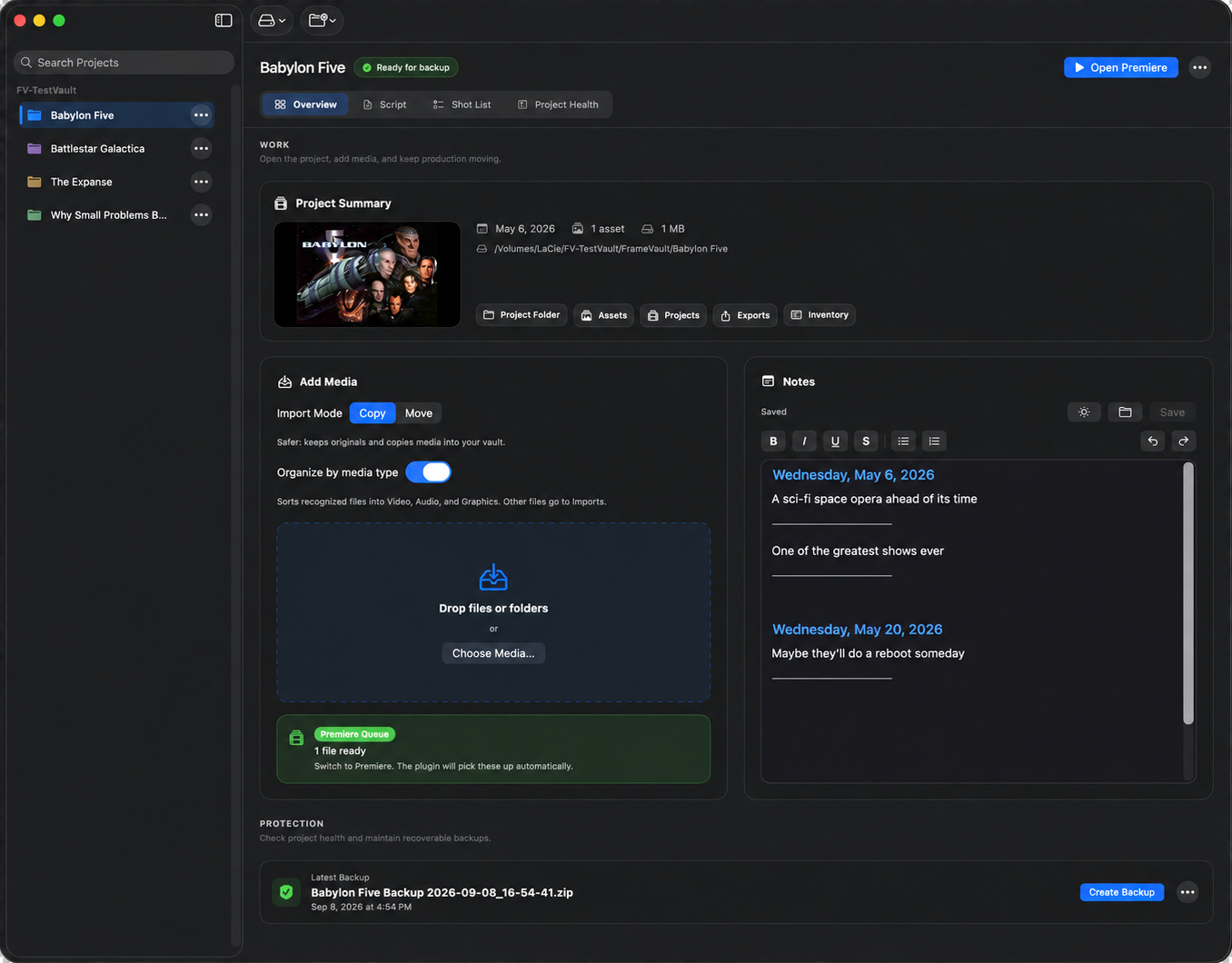
Explore the workspace to see how FrameVault organizes your media, keeps Premiere connected, and protects your project from first edit to final backup.
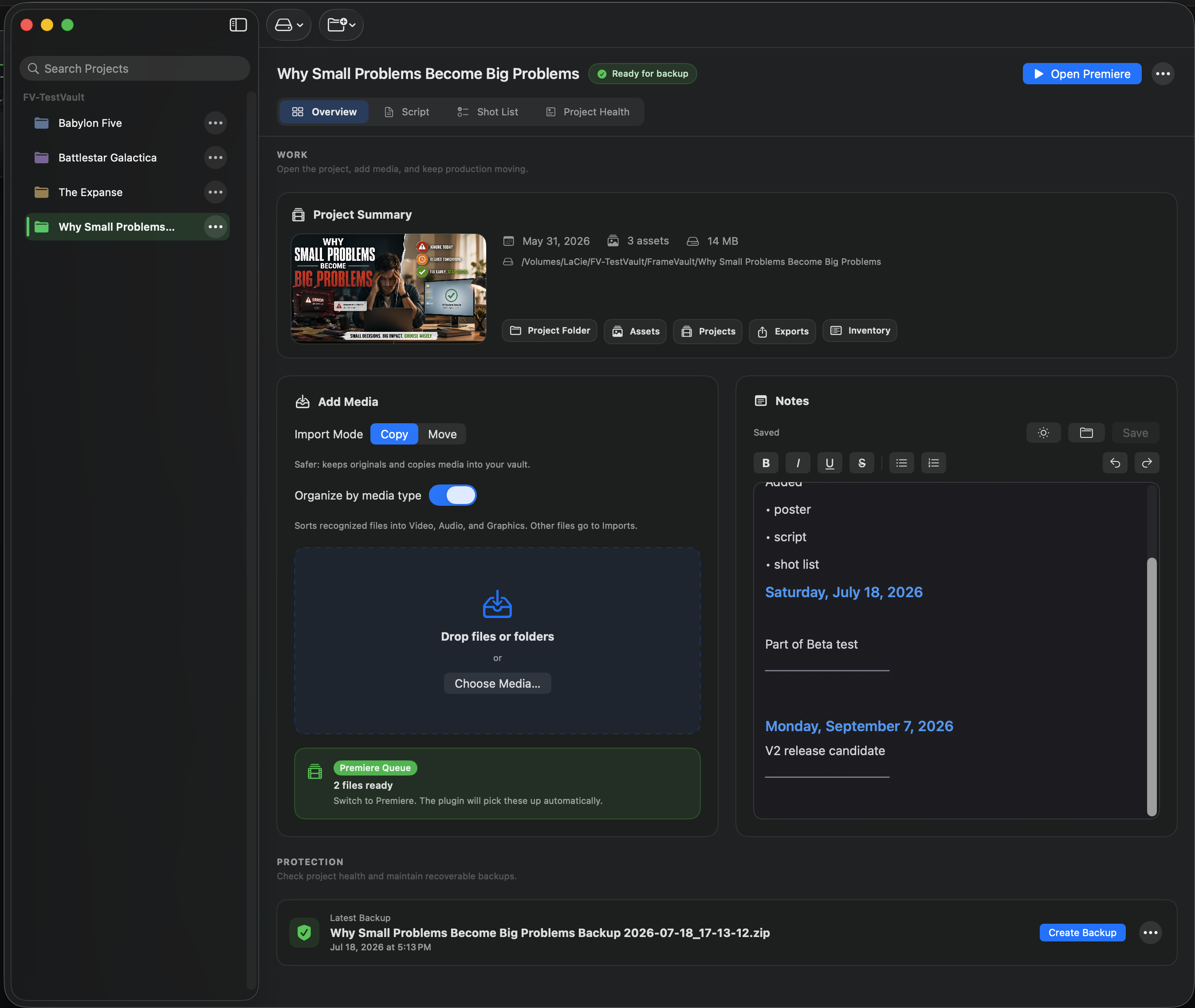
Hover or tap the workspace to explore each area.
Workflow
Start your project, edit the way you normally do, and let FrameVault keep everything together.
Create a FrameVault project and start working. Your project files, media, notes, scripts, and backups all have a home from the beginning.
Add media through FrameVault, drop files into the project folders, or bring them straight into Premiere. FrameVault keeps track of what belongs with the project.
FrameVault finds new and outside media, brings it into the vault, keeps Premiere connected, and lets you know when the project is ready to back up.
Features
FrameVault checks your project and shows you what needs attention before it becomes a problem.
FrameVault sorts incoming media and keeps your project structure organized while you work.
Create complete backups you can restore when you need them, with your project structure intact.
FrameVault works with storage you control, whether that’s your Mac, an external drive, or your own shared storage.
Premiere Bridge
Bridge reads the live edit state in Premiere, so FrameVault can see which media is in your project, find anything living outside the vault, and bring it in without breaking the edit.
Projects change. Files move. Good archives survive both.
Introductory offer
Bring your Premiere projects together, keep every file connected, and create complete backups on storage you control.